Build your home.Know every number.
Expenses, instalments, tasks and contractors for your build or renovation, in one app that always knows what you’ve spent and what’s left.
Free for 1 project · No card needed · Sign in with Google
A home means hundreds of payments, dozens of contractors and one budget. Ktisto keeps all of it in one place, so you can watch the house go up — not a spreadsheet.
The whole project.
One app.
All featuresSnap the receipt. The expense writes itself.
Supplier, amount, VAT and payment method are filled in for you. You just confirm.
Learn moreInstalments you won’t lose track of.
Frame — Papadopoulos Bros. · €3,000 left
TasksEvery stage, with a deadline.
Share the project with whoever needs it.
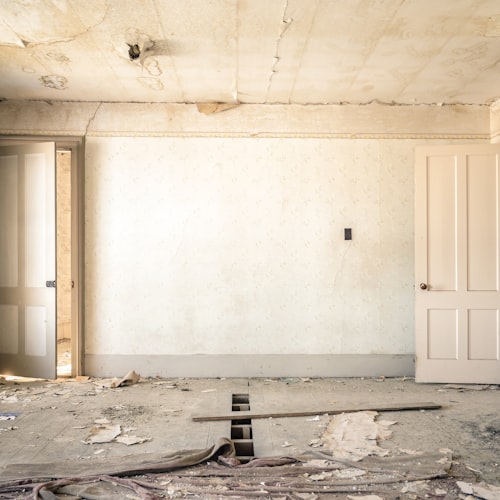
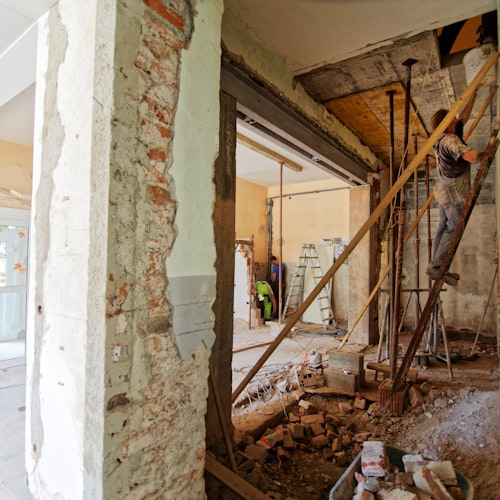
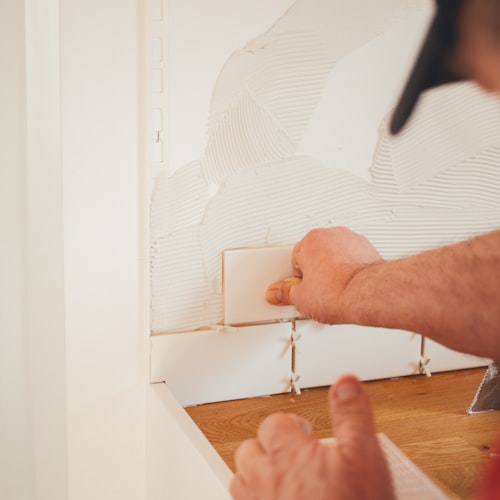
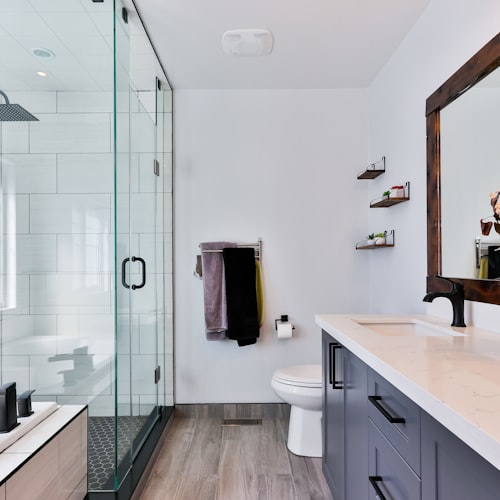
From rubble to living room.


Estimate Greek construction insurance without tables or formulas.
See howBring your spreadsheet. Get back a clean PDF.
Import from CSV, export expenses to PDF or Excel for your accountant, your bank or a grant application.
From foundations
to front door.
- 01Create your projectName, country and budget. You’re set up in a minute.
- 02Log every paymentExpenses, receipts and instalments with every crew. Your remaining budget updates instantly.
- 03Organise the workIn stages, with priorities and deadlines. Ktisto reminds you what’s coming up.
- 04See the full picture, any timeWhat you’ve spent, what you owe and what’s left, by category and by month.
For every kind of project.
New build
From permit to handover: contractors, instalments, insurance and hundreds of material invoices.
Learn moreRenovation
Flat, house or holiday home: keep the cost inside the budget.
Learn moreBuilding in Greece
Greek VAT, construction insurance (ensima) estimates, and an app that also speaks Greek to your crew.
Learn moreStart at €0.
You only pay if you need more than one project.
- 1 building or renovation project
- Unlimited expenses & receipts
- Instalments & payment agreements
- Tasks, contractors & gallery
- Up to 5 projects on one account
- Everything in Free
- Separate budget per project
- Cancel any time
A “project” is one separate home or renovation you track in Ktisto. Prices exclude VAT.
Frequently asked questions
How do I track the cost of building a house?
Log every expense, instalment and supplier of your project in Ktisto. It works out how much you’ve spent, how much you owe and what’s left, by month and by category.
Do I need accounting knowledge?
No. Ktisto is made for homeowners, not accountants: log expenses and instalments and see the full cost picture straight away.
Does it cover renovations, not just new builds?
Yes. Ktisto works just as well for new builds and for full or partial renovations of a house, flat or holiday home.
Can I invite my partner or engineer?
Yes. Invite anyone by email and give them a role: view, edit or full access.
How does receipt scanning work?
Upload a photo of the receipt when you add an expense, and Ktisto fills in the supplier, amount, VAT and payment method. You check it and save.
Can I bring my expenses over from Excel?
Yes. Import expenses and payment agreements from a CSV file using a ready-made template, and export your expenses to PDF or Excel whenever you need.